 Macaron
 Overview
A workspace for your coding agents, projects and the changes you keep.
What you get
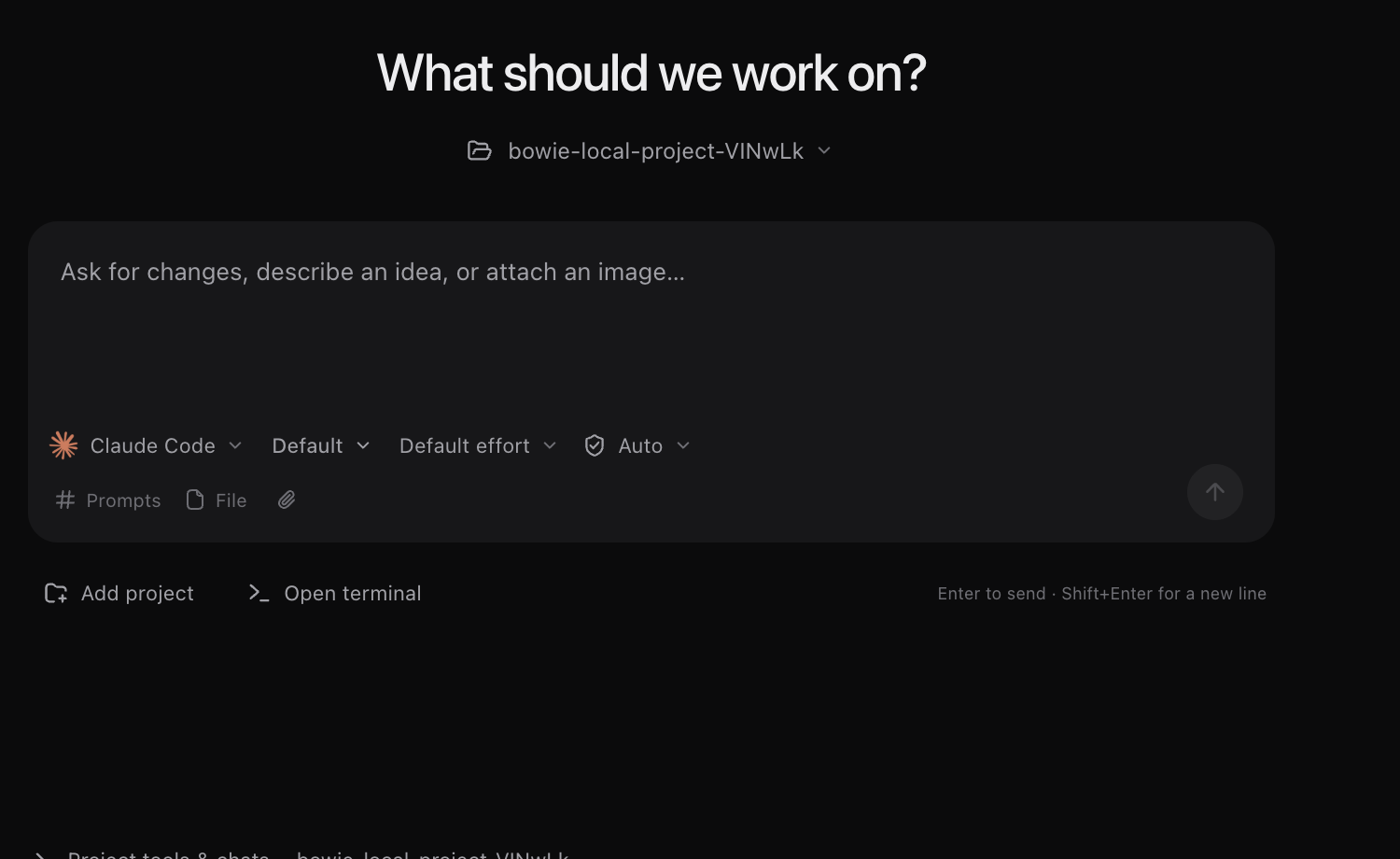
Open a project in Macaron and keep its agent threads, files, terminals and Git changes together. Work on a local folder or connect a compatible computer over SSH. Choose the agent and provider account for each task.
- Project history: reopen a thread with its conversation attached to the same project.
- Agent choice: work with Claude Code, Codex, OpenCode, Droid or Macaron, using the accounts and keys each requires.
- Review tools: inspect the diff, run project checks and use checkpoints to undo supported turns.
- A place to work: arrange files, terminals and previews beside the thread you are following.
Start here
Install the desktop app for local projects, or sign in to the web app for the services available on your account.
Local work and hosted services
Local desktop work uses your device and your agent provider account. Hosted services use a Macaron account and credits. Connecting your own server does not transfer its billing to Macaron; your server provider continues to charge you. Check the selected computer before starting a task.
FAQ
Do I need a subscription for local work?
You can download Macaron and work with local folders without a Macaron subscription. Your coding agent may still require a provider subscription or API key.
Where are my files?
A local project uses the folder you opened on your device. A remote project uses its checkout on the connected computer. Review and commit changes on that computer before moving work elsewhere.
Does closing a tab stop a terminal?
Closing a workspace tab does not stop its sessions. Use the terminal or Stop Agent to stop work explicitly. Quitting the app, losing a connection and stopping the computer have different effects; check the session and computer status when you return.
Can I use my existing agent account?
Yes. Connect the account or key required by the agent you select. Macaron sign-in is separate from Claude Code, Codex and other provider sign-ins.